# Handbook
# How to create a new site
- Go to the bitbucket repositroy from the handbook (opens new window)
- Select in the correct folder where to put the new site
- Click add File
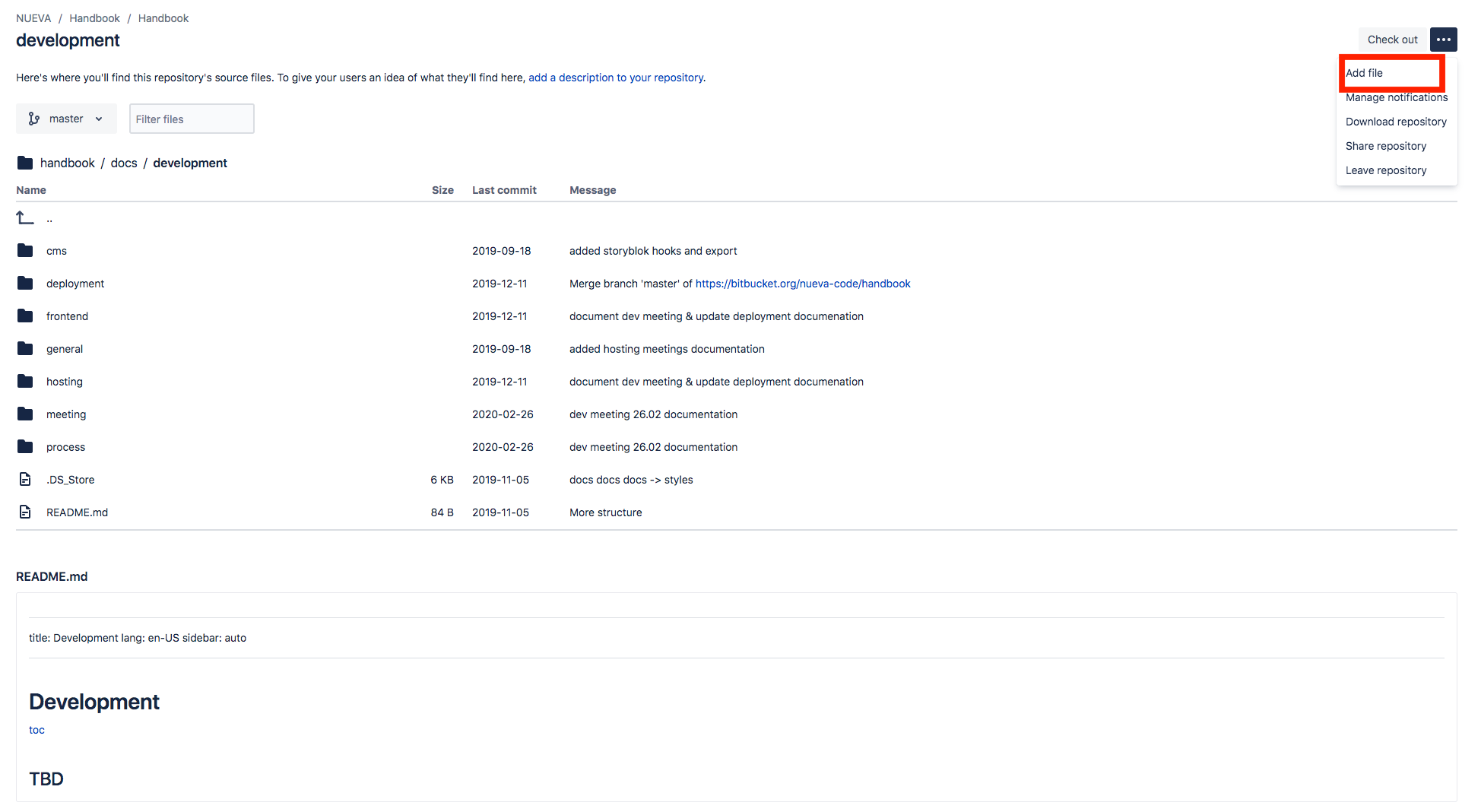
- File out filename
- Write content
- When finished click commit, write a commit message and submit with another click on commit.
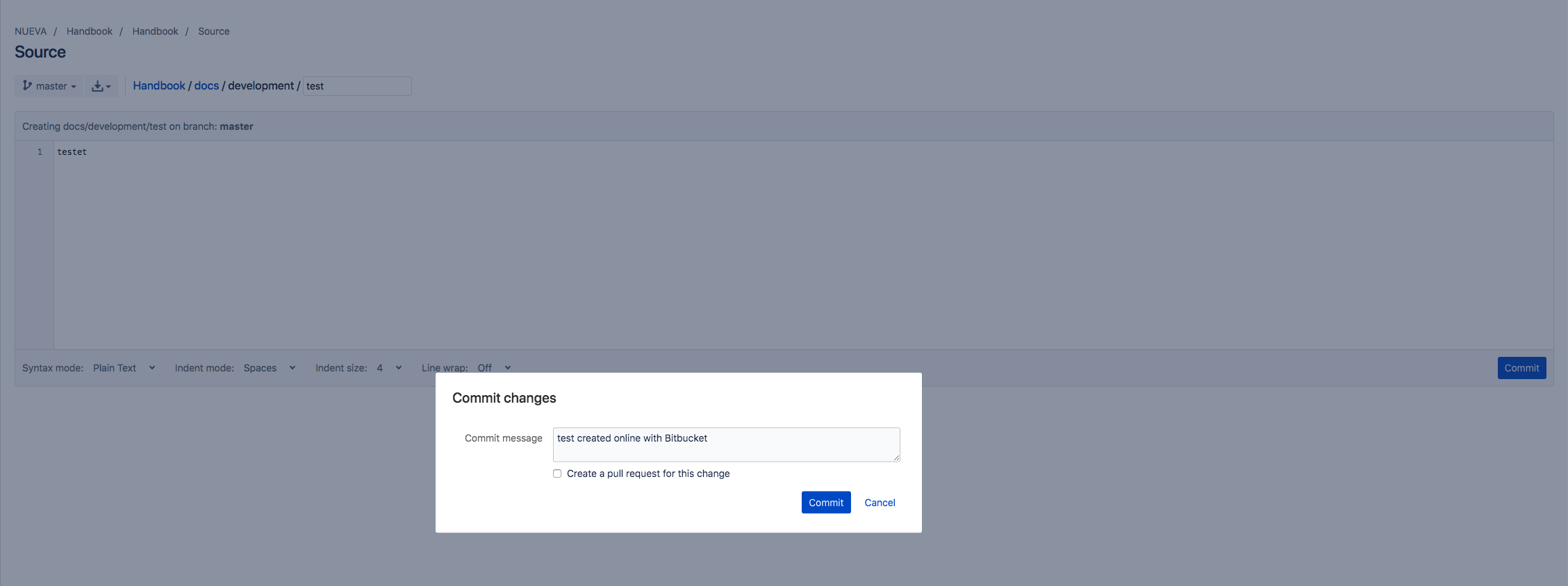
- Thats it.
# How to update a site
- Go to the bitbucket repositroy from the handbook (opens new window)
- Select in the correct file you want to edit
- click on edit
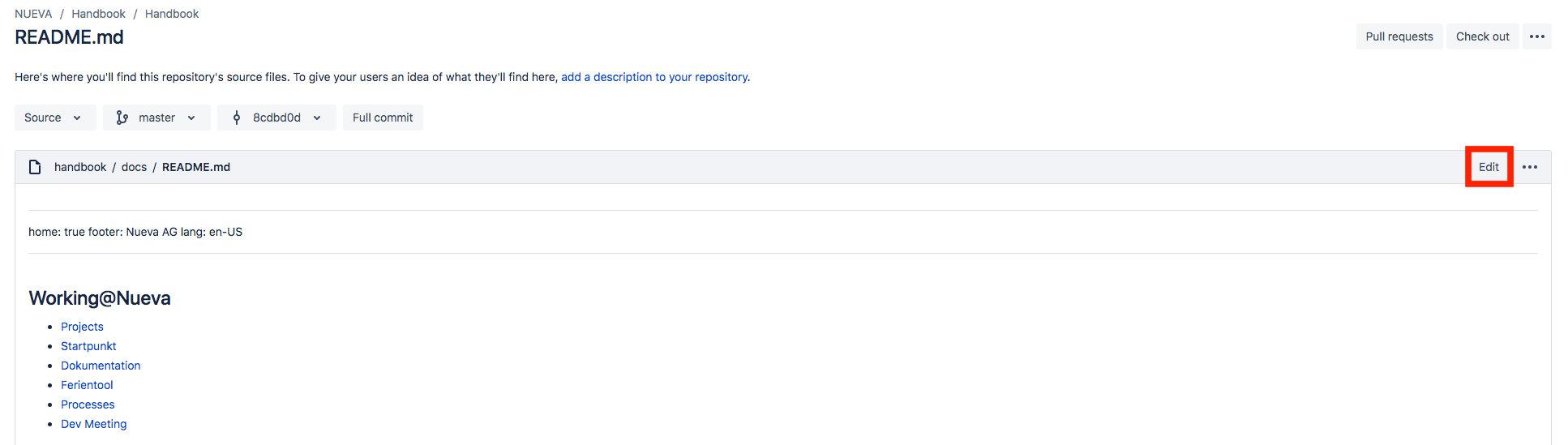
- Write your new content
- When finished click commit, write a commit message and submit with another click on commit.
- Thats it